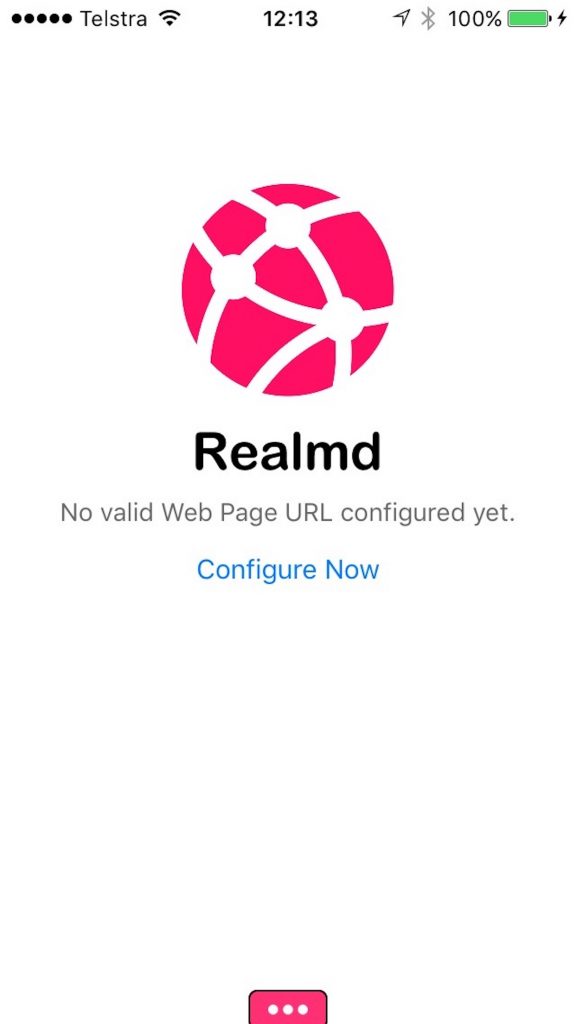
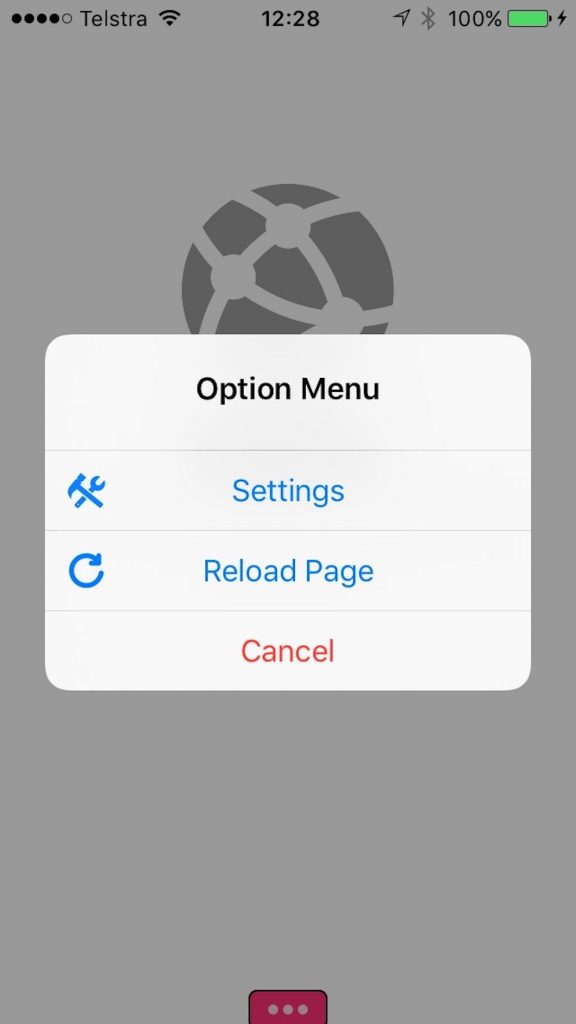
Realmd is a single url, minimalistic web browser app using maximum screen space without any toolbars, just a small tab to configure URL. Ideal for concept demonstrations and running your web application in a dedicated browser.
Realmd browser configuration can be locked with a pin number making it suitable as a exhibition or show room kiosk browser.
The browser can be configured through URL links in web pages enabling your consumers to use your website in a browser with more screen space. As part of your webpage, suggest a link to your customers to download the Realmd app and seamlessly configure app URL.
Configure Realmd Browser from Web Page
Realmd Browser can be configured to automatically detect what type of device is browsing your page, prompt to download the Realmd App and automatically push your URL details into the new app. The app writes these preferences locally on the device. Next time the app is open, it will use the previously pushed URL details.
This is an example of a basic HTML snippet that can added to your page enabling the user to download Realmd app passing the google.com URL using a https protocol to the app when first opened. This snippet also demonstrate how you can set colour preferences on the little settings tab in the app.
< !DOCTYPE html>
<html>
    <head>
        <meta charset="UTF-8" />
        <title>URL Schemes</title>
        <meta name="viewport" content="width=device-width, minimum-scale=1.0, maximum-scale=1.0, user-scalable=no" />

          <meta name="apple-itunes-app" content='app-id=1273576785, app-argument=realmd://?url=google.com&protocol=https&foreColor=ffffff&backColor=f99d1c'/>

    </head>
    <body>
        Click the banner on top of this screen to install the Realmd app or directly <a href='realmd://?url=google.com&protocol=https&foreColor=ffffff&backColor=f99d1cc'>open</a> this content in our app if you have it installed already.


    </body>
</html>